
Awwa Adventures
Unlock your adventure
Enter your adventure’s secret code. The stops, the hidden places and the local stories will open on your phone.
This guide is part of an Awwa Adventure. Enter your code to open it.
We only use your email to give you access to your adventure, unless you tick the newsletter box.
Three steps to start
Find your code
In the Adventure Book it’s printed under the map, next to the QR code. In the digital version, it’s in your purchase email.
Enter it here
Enter the code and your email. The adventure is linked to you and unlocked for good.
Start the adventure
Follow the guide on your phone, read the local stories and discover the hidden places.
Where is my code?
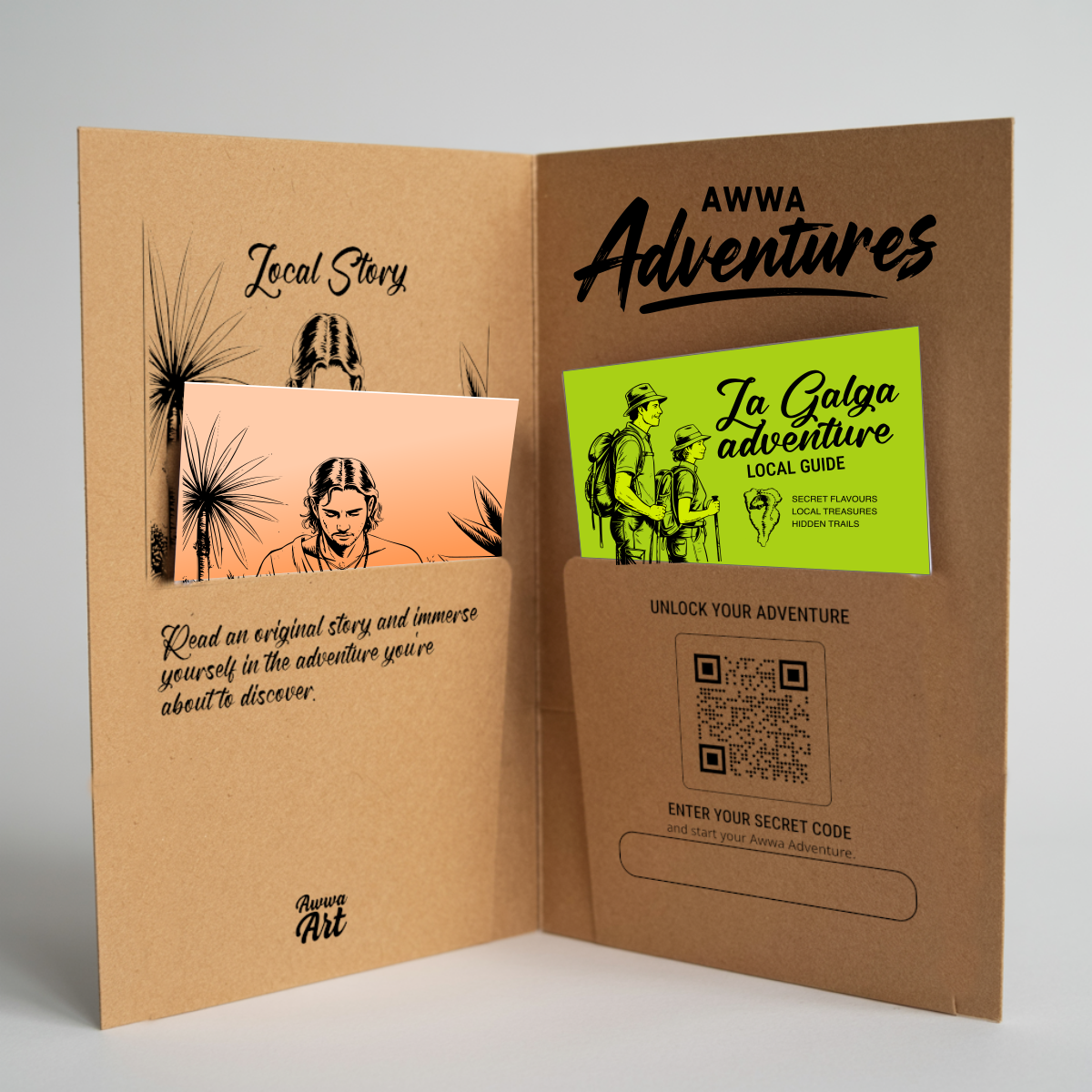
- Right-hand pocket: take out the map. The code and QR code are printed underneath.
- Format: two letters for the island, two for the adventure and seven characters, for example
LP-LZ-AB3D-7KM. - Bought it online? The code appears on the order confirmation and in your purchase email.
Each code unlocks one adventure. Once activated, it is linked to your email and never expires.
Need help?
My code doesn’t work
Check you are typing it exactly as shown. To avoid confusion, codes never contain 0, 1, I, L or O. If it still doesn’t work, write to us at adventures@awwaart.com with a photo of the code or your order number.
Can I use the adventure on several phones?
Yes. Enter the same code with the same email on each phone and the adventure will open there too.
I’ve lost my Adventure Book
If you already activated the code, the adventure is still linked to your email. If you don’t have it to hand, write to us at adventures@awwaart.com from that email and we’ll remind you.
Do I need internet during the adventure?
You need a connection to activate the code. Coverage on La Palma is patchy in many areas, so we recommend activating the adventure before you set off, on wifi, leaving the guide open on your phone and downloading the area map in Google Maps to use offline.